

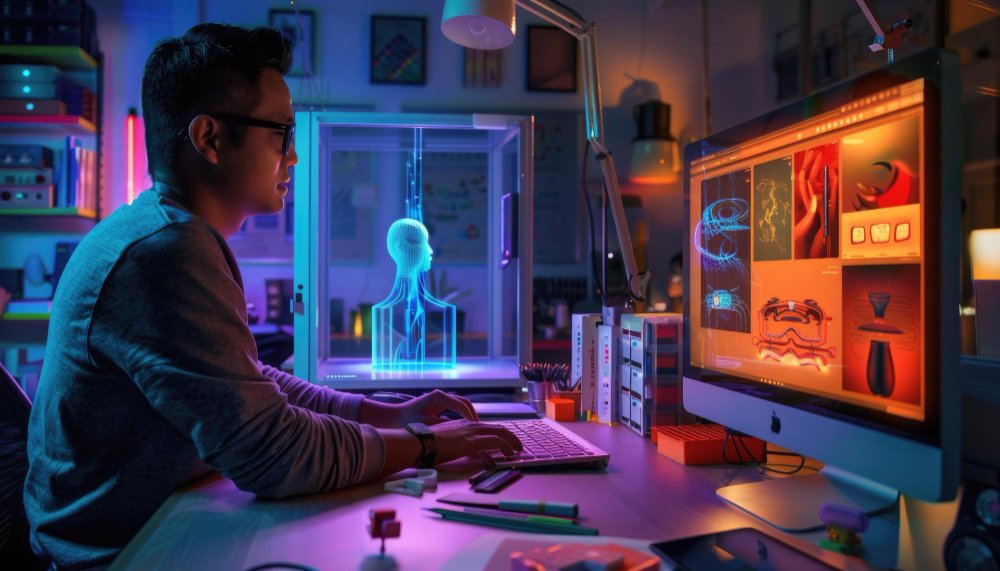
How to Use AI in Your Design Process
Let’s be honest design today is not what it used to be. Deadlines are tighter. Content demand is higher. And clients expect faster turnaround with better results. That’s exactly where AI steps in not to replace designers, but to remove bottlenecks. At Maplitho Solutions, we don’t use AI just for the sake of it. We use it where it actually matters—to create designs that perform, not just look good. If you’re wondering how to use AI in your design process without ending up with generic results, this guide will help you.What AI in Design Really Means (And What It Doesn’t)
There’s a lot of noise around AI. Some people think:- “AI will replace designers”
- “AI can do everything automatically”
- Get unstuck faster
- Explore ideas quickly
- Scale content production
Why Smart Designers Are Using AI Today
Here’s what changed:
Before AI:
- You create 1–2 concepts
- Spend hours refining
- Struggle to scale
Now:
- Generate 10 concepts in minutes
- Test multiple variations
- Focus on what actually works
For businesses, this means:
Better performance, faster execution, and lower creative fatigue.
A Practical Workflow: How to Use AI in Your Design Process
This is where most articles stay generic—but let’s get practical.
Step 1: Start with Ideas, Not Tools
Most people jump straight into tools.
Instead, start with:
- What is the goal? (Clicks? Branding? Sales?)
- Who is the audience?
Then use AI to generate:
- Visual directions
- Creative concepts
- Mood boards
This saves hours of brainstorming.
.
Step 2: Use AI to Create Raw Visuals
Now bring in tools like:
- Midjourney
- DALL·E
- Adobe Firefly
- Canva AI
Use them to:
- Generate backgrounds
- Create product concepts
- Explore styles quickly
But remember:
These are raw materials, not final designs.
Step 3: Refine Like a Pro (This is Where You Win)
This is the difference between average and high-quality work.
Take AI outputs into:
- Photoshop
- Illustrator
- Canva AI
Then refine:
- Typography
- Layout
- Branding consistency
Most AI designs fail because people skip this step.
Step 4: Create Variations for Performance Marketing
Here’s where growth hacking kicks in.
Instead of one design:
- Create multiple versions
- Test headlines, colors, layouts
This works especially well for:
- Paid ads
- Social media campaigns
- Landing pages
More variations = better data = better results
Step 5: Let Data Guide Design
Design is no longer just creative it’s performance-driven.
Track:
- Click-through rates
- Engagement
- Conversions
Then:
- Kill what doesn’t work
- Scale what does
Real Use Cases Where AI Actually Helps
- Ad Creatives
Instead of spending days on one campaign, you can create and test multiple Creatives in hours.
- Social Media Content
Maintain consistency while producing content at scale.
- Product Visualization
No photo-shoot? No problem. AI can generate high-quality concepts quickly.
Common Mistakes People Make (And How to Avoid Them)
Let’s clear this up—most people are using AI wrong.
❌ Mistake 1: Trusting AI Too Much
AI doesn’t understand your brand like you do.
❌ Mistake 2: Weak Prompts
Bad input = bad output.
❌ Mistake 3: Skipping Design Basics
AI doesn’t replace:
- Composition
- Typography
- Visual hierarchy
❌ Mistake 4: Creating Generic Designs
If everything looks “AI-generated,” it won’t stand out.
A Simple Rule We Follow at Maplitho
AI for speed. Humans for impact.
Our process:
- AI generates ideas
- AI creates base visuals
- Humans refine and align with brand
- Data drives final decisions
This balance is what creates high-performing designs.
Actionable Tips You Can Use Today
If you want to start using AI in design:
- Start with idea generation, not final output
- Learn basic prompt structuring
- Always refine manually
- Focus on results, not just aesthetics
- Test multiple variations
Myth: “AI Will Replace Designers”
Here’s the reality:
AI will not replace good designers.
But it will replace:
Designers who don’t adapt
Because the future belongs to people who can:
- Combine creativity + technology
- Think strategically
- Execute fast
How Maplitho Solutions Uses AI for Growth
At Maplitho Solutions, we don’t just design we build growth systems.
We combine:
- AI-powered design workflows
- Performance marketing
- Data-driven optimization
This allows us to:
- Create faster
- Test smarter
- Scale campaigns efficiently